
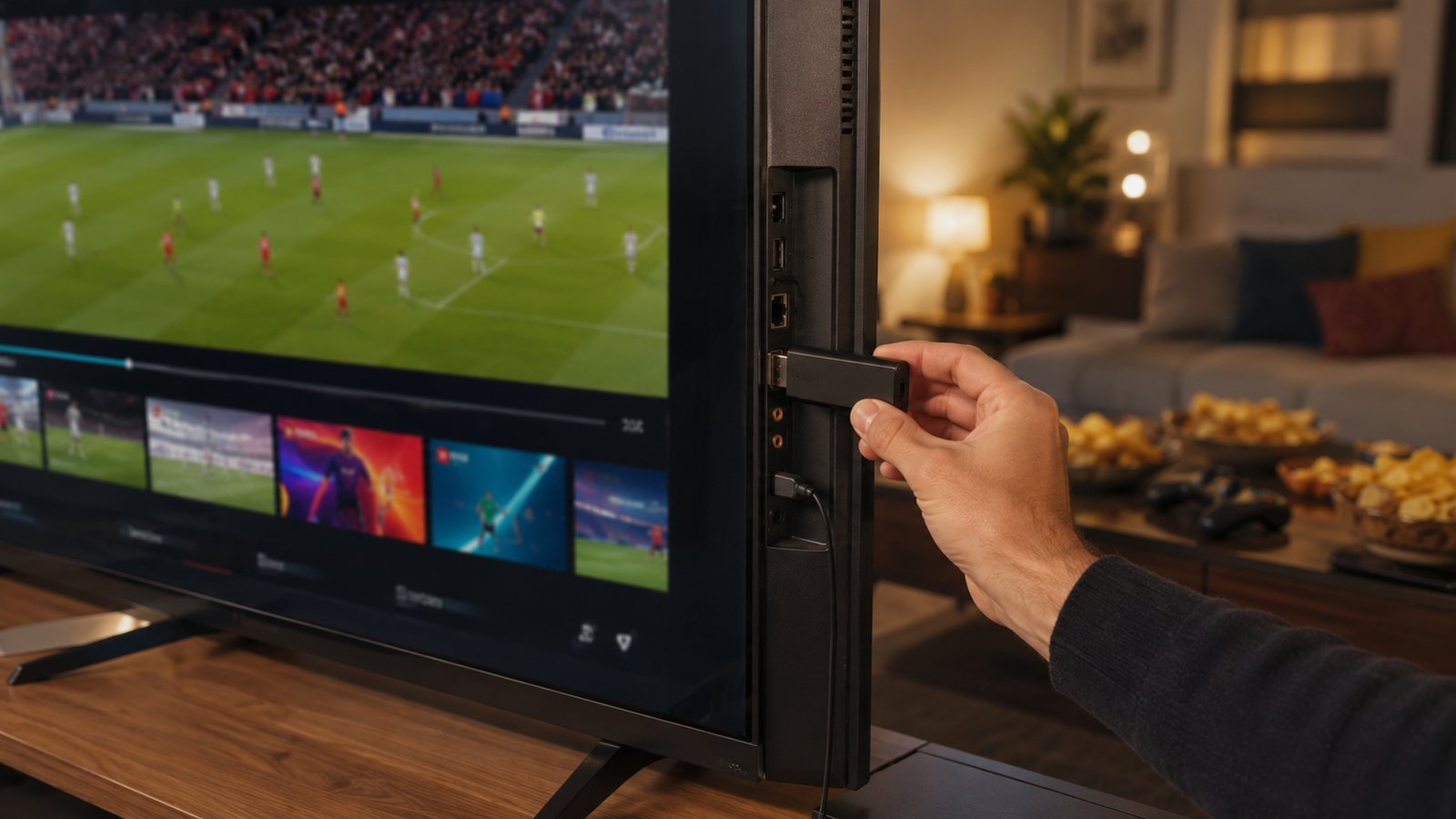
How To Use IPTV Services On Fire Stick For World Cup 2026
World Cup 2026 will be a major event for football fans. The tournament is scheduled from June 11 to July 19, 2026, with 48 teams and 104 matches across Canada, Mexico, and the United States. That means fans will need a simple way to follow live games, highlights, and match updates. For many viewers, Fire Stick can be a useful device for watching IPTV services on a TV screen.
A Fire Stick turns a normal TV into a streaming device. It lets users install supported apps from the Amazon Appstore and sign in with their service account. For World Cup 2026, the goal is simple: use safe, legal, and stable IPTV streaming so every match feels easy to watch.
Why Fire Stick Is Useful For World Cup 2026?
Fire Stick is useful because it is small, easy to carry, and simple to connect. It plugs into the HDMI port of a TV and works with Wi-Fi. This makes it a practical choice for people who want football on a bigger screen.
Many football fans do not want to watch full matches on a phone. A TV gives a better view, better sound, and a more comfortable match-day setup. With the right IPTV provider, Fire Stick can help users open a sports channel, check the match schedule, and watch from the sofa.
It also helps families and groups. Instead of passing one mobile phone around, everyone can watch the game together on one screen.
What You Need Before You Start?
Before using IPTV on Fire Stick, users should check a few basic things. This avoids problems during live matches.
You need:
- A Fire Stick or Fire TV device
- A stable Wi-Fi connection
- A legal IPTV account or supported streaming plan
- A working TV with HDMI input
- Login details from the IPTV provider
- A supported IPTV app from the Amazon Appstore
- Enough internet speed for live sports
Amazon says users can search for apps from the Fire TV main menu and download them to their Fire TV device. This is the safest starting point because it keeps the setup simple and official.
How To Set Up IPTV On Fire Stick?
The setup should be easy if the service supports Fire Stick. Users should always follow the official steps given by their provider.
First, connect the Fire Stick to the TV and complete the device setup. Then connect it to Wi-Fi. Once the home screen opens, go to the app search area and look for the supported IPTV player or app.
After the app is installed, open it and enter the login details given by the IPTV provider. Some services use a username and password. Others may use a playlist link or portal login. Users should only enter details from a legal and trusted source.
Once the account is added, the channels should load inside the app. Users can then test sports channels before match day.
How To Improve Streaming Quality?
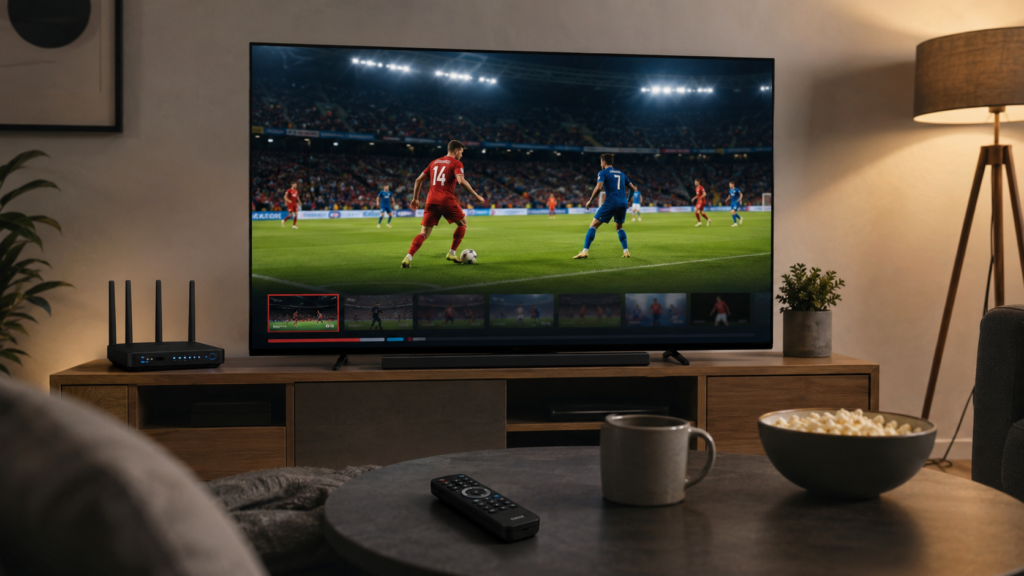
Good IPTV streaming matters most during live football. A frozen screen during a goal, penalty, or final whistle can ruin the experience.
The first step is to use strong Wi-Fi. Fire Stick should be close to the router if possible. If the signal is weak, the stream may buffer often. Users should also close unused apps on the device to help performance.
Here are simple ways to improve quality:
- Restart the Fire Stick before big matches
- Keep the device software updated
- Use a strong Wi-Fi signal
- Avoid too many devices on the same network
- Test the IPTV app before the game starts
- Choose HD only if the internet can support it
A reliable service should also have stable servers. This is why users should compare best IPTV services before buying a plan.
Features To Check Before You Subscribe
Not every IPTV plan is good for live sports. Some services may work fine for movies but not for high-demand football matches. So users should compare features before they IPTV subscribe.
| Feature | Why It Matters |
| Sports Channel Support | Helps users watch live football coverage |
| Fire Stick Compatibility | Makes setup easier on TV |
| Stable Streaming | Reduces buffering during live matches |
| Clear TV Guide | Helps users find match times |
| Customer Support | Helps solve issues before games |
| Trial Option | Lets users test quality before payment |
The best choice is not always the cheapest one. A low-cost plan is not useful if channels fail during important matches.
Why Legal Access Matters?
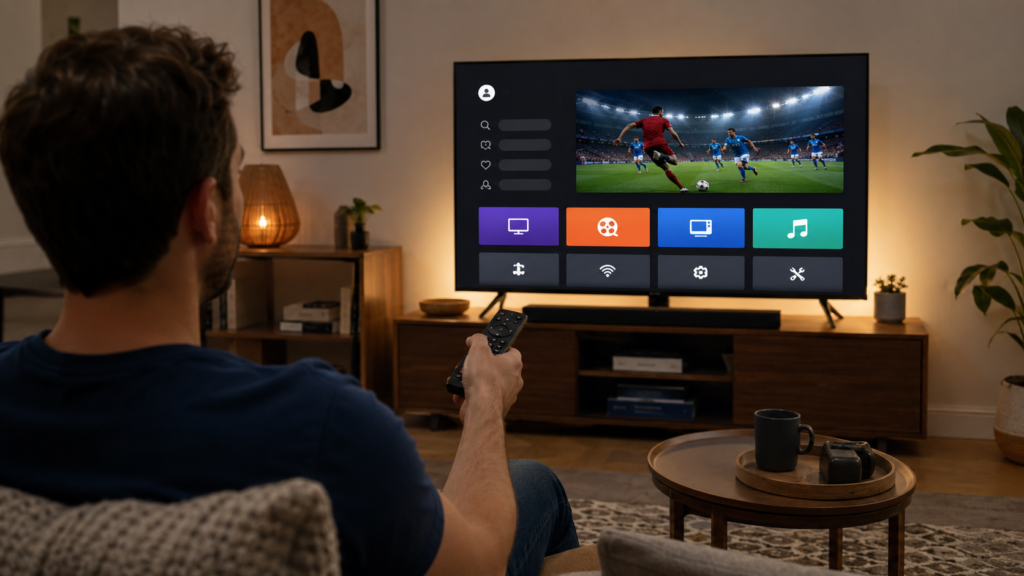
Users should choose legal and authorized streaming options. This protects the viewer, the service owner, and content creators. It also helps avoid unsafe apps and poor-quality streams.
Amazon states that Fire TV disables apps identified as using or providing access to unlicensed content. This means users should avoid unclear apps or services that promise access without proper rights.
A safe IPTV provider should be clear about what it offers. It should explain supported devices, available channels, plan terms, and support options. If a provider hides details or makes unrealistic claims, users should be careful.
When Should Users Set Up Fire Stick?
Users should set up Fire Stick before the tournament begins. Waiting until the first match can create stress. There may be login issues, app updates, or Wi-Fi problems.
The better plan is to test everything early. Open the app, check the sports section, test sound, and watch a live channel for a few minutes. This makes the World Cup viewing experience smoother.
Early setup also helps users decide if they need a different plan. If the current service buffers often, they still have time to compare other IPTV services before World Cup 2026 starts.
Common Fire Stick IPTV Problems
Most Fire Stick IPTV problems are easy to understand. They usually come from weak internet, wrong login details, unsupported apps, or poor server quality.
Common issues include:
- Channels not loading
- App closing suddenly
- Sound delay
- Buffering
- Wrong playlist details
- Poor picture quality
- Login errors
The first fix is to restart the Fire Stick and router. Then check the login details. If the issue continues, users should contact their IPTV provider. A good provider should respond quickly, especially before major sports events.
Conclusion
Fire Stick can be a simple way to watch World Cup 2026 matches on a bigger screen. It is easy to connect, easy to use, and useful for football fans who want a smooth home viewing setup. But the experience depends on choosing safe and reliable IPTV services.Before users IPTV subscribe, they should check Fire Stick support, sports access, streaming quality, and customer service. Strong IPTV streaming can make match days better, but only when the setup is tested early and the service is legal. For World Cup 2026, preparation is the key to a better football viewing experience.