
IBO Player For IPTV Streaming During World Cup 2026
The World Cup 2026 will be a major event for football fans. The tournament is scheduled from June 11 to July 19, 2026, and it will include 48 teams and 104 matches across Canada, Mexico, and the United States. That means fans will need a simple and stable way to follow many games across different days and time zones.
IBO Player can help users manage IPTV streaming on supported devices. It is a media player app, not a channel provider. This means users still need a valid and legal IPTV subscription from an authorized provider. The app helps play the content, but it does not create sports rights or provide official World Cup access by itself.
What Is IBO Player?
IBO Player is an IPTV media player app used to load and play IPTV playlists on supported devices. Its official site describes it as a premium media player with a user-friendly interface and high-quality streaming support.
This is important to understand before using it for World Cup 2026. IBO Player is not the same as an IPTV service. It does not own the matches. It does not sell official sports channels. It only works as a player for content that users add through their provider.
For safe use, users should only add playlists from legal IPTV providers. This keeps the setup clear, safe, and more reliable.
Why IBO Player Can Be Useful For World Cup 2026?
World Cup 2026 will have more matches than past tournaments. Fans may want to watch live games, pre-match shows, highlights, and sports channels from one place. A player app can make that easier when the provider supports it.
IBO Player can be useful because it helps users organize channels in a simple way. It may also work across different smart devices, depending on device support and app availability.
For football fans, the main benefits are:
- Easier access to sports channels from one app
- Better control over playlists
- A cleaner viewing setup on supported devices
- Simple navigation for live channels
- Useful support for people using IPTV on smart TVs or apps
Still, the quality depends mostly on the provider. Even a good player cannot fix a weak IPTV service or unstable internet connection.
IBO Player Is A Player, Not A Provider
This point matters a lot. Many users think IBO Player gives channels. That is not correct. It is only a media player.
To watch matches through the app, users need:
- A legal IPTV plan
- A supported playlist or login method
- A stable internet connection
- A compatible device
- Access to authorized sports channels
The best IPTV service should clearly explain what it offers. It should also tell users whether it supports IBO Player. If the provider does not support the app, users may need a different player.
This helps avoid confusion before the tournament starts.
How To Prepare IBO Player Before World Cup 2026?
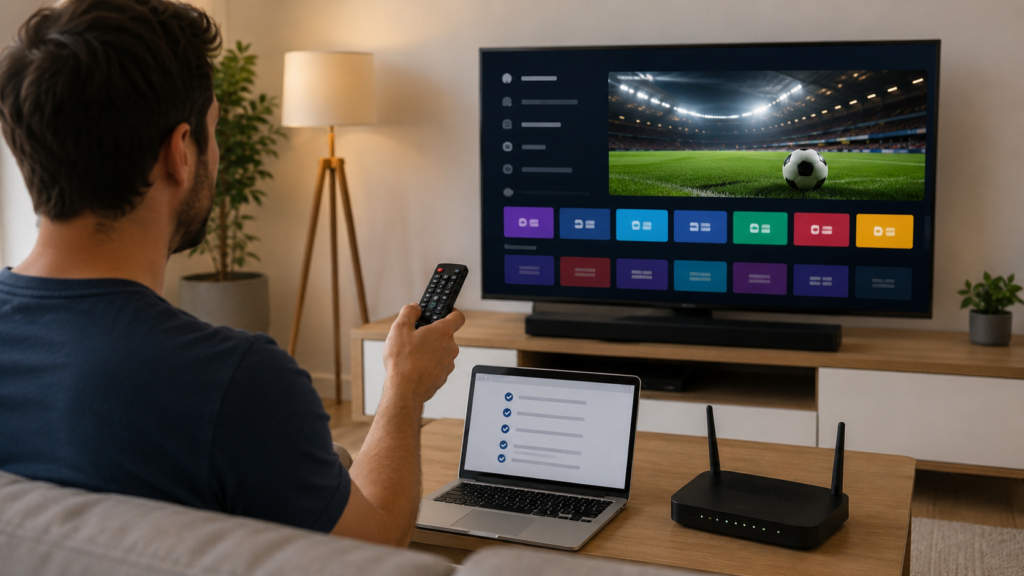
Fans should not wait until match day to set up the app. Big games bring more pressure, and small setup issues can become frustrating.
Before World Cup 2026 begins, users should check the full setup step by step.
| Setup Check | Why It Matters |
| Device Compatibility | Makes sure the app works on the chosen device |
| Legal IPTV Plan | Gives access to authorized channels |
| Playlist Details | Helps load channels correctly |
| Internet Speed | Reduces buffering during live matches |
| App Test | Confirms the player works before game day |
| Channel Test | Checks if sports channels open smoothly |
Testing early gives users time to fix problems. It also helps them decide if their current provider is good enough for live football.
How To Use IBO Player For Live Football?
Using IBO Player for IPTV streaming should be simple when the IPTV plan is active and supported. The exact steps can depend on the device and provider, but the basic process is usually easy.
Users normally need to install the app, open it, and add their provider details. The provider may give playlist details or another approved login method.
A clean setup should include:
- Installing the official app from a trusted source
- Adding only legal provider details
- Checking that channels load correctly
- Finding the sports or live TV category
- Testing sound and video quality
- Saving favorite sports channels if the app allows it
The goal is not just to open the stream. The goal is to make match-day viewing fast and smooth.
What To Check Before The First Match?
The first match day is not the best time to test an IPTV app. Fans should check everything at least a few days before the tournament.
Start by opening IBO Player and testing normal live channels. Then test sports channels during a busy time. This gives a better idea of real performance.
Users should check:
- Does the app open quickly?
- Do channels load without long delays?
- Is the picture clear?
- Is the sound synced?
- Does the app freeze?
- Does the provider offer support?
- Is the playlist still active?
A reliable IPTV subscription should work during normal use and busy viewing hours. If it fails often before the event, it may not be ready for World Cup matches.
How To Improve IPTV Streaming Quality On IBO Player?
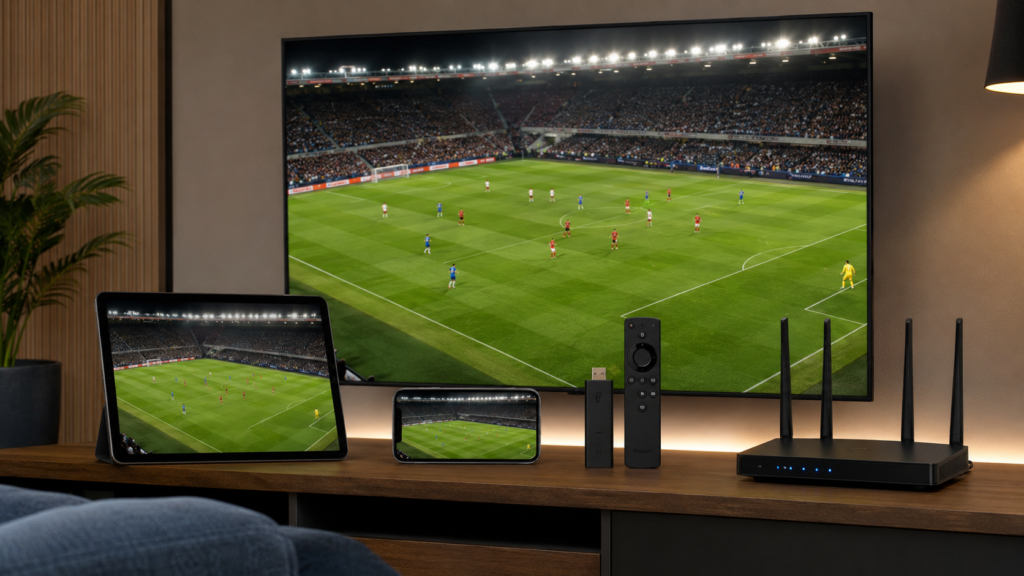
Good IPTV streaming depends on three things: the app, the provider, and the internet connection. Users should improve all three before a big event.
A wired internet connection can be more stable than Wi-Fi when watching on a TV. If using Wi-Fi, the device should be close to the router. Other devices should not be using too much bandwidth during live matches.
Users can also improve the experience by:
- Restarting the router before big matches
- Closing unused apps on the device
- Keeping the player app updated
- Using a stable internet connection
- Testing backup channels from the provider
- Avoiding overloaded public Wi-Fi
The provider still matters most. Good apps work best with strong IPTV providers that offer stable servers and real support.
Choosing The Right IPTV Service For IBO Player
Not every IPTV plan works well with every player. Before buying, users should ask if the plan supports IBO Player.
The best IPTV service for World Cup 2026 should be clear, stable, and easy to test. It should explain supported devices, sports access, and customer support. It should also avoid unclear claims about premium sports access.
A strong provider should offer:
- Clear channel information
- Legal access details
- Device support
- Simple setup guidance
- Trial or demo options where available
- Responsive support
- Stable sports streaming
Users should avoid providers that hide important details. A trusted IPTV service should make the buying process easy to understand.
Common Problems And Simple Fixes
IBO Player may work well, but users can still face common problems. Most issues are linked to the playlist, provider, internet, or device.
Here are simple fixes:
- If channels do not load, check the playlist details.
- If the app buffers, test internet speed.
- If sound is delayed, restart the app.
- If sports channels are missing, contact the provider.
- If the app crashes, update or reinstall it.
- If the stream is poor, try another supported device.
These checks are simple, but they can save time before important matches.
Safe And Legal Viewing Matters
World Cup matches are protected by broadcast rights. Users should only watch through legal services that have proper access in their region. This protects users from unsafe streams and poor-quality links.
For users, legal viewing is also better for quality. It usually means better streams, safer apps, and fewer sudden shutdowns.
Conclusion
IBO Player can be a useful tool for IPTV streaming during World Cup 2026, but it must be used with a valid and legal IPTV plan. The app is a player, not a provider. Users still need a trusted IPTV subscription with sports access from authorized sources.The best setup starts early. Fans should test their device, app, playlist, internet, and sports channels before the tournament begins. A strong IPTV service and a clean IBO Player setup can make World Cup viewing smoother, clearer, and easier.