
How To Set Up IPTV Streaming On Android Apps For World Cup 2026
World Cup 2026 will bring more football, more teams, and more match days than past tournaments. FIFA says the event will include 48 teams and 104 matches across Canada, Mexico, and the United States. For fans who prefer flexible viewing, IPTV streaming on Android apps can be a simple way to watch football on phones, tablets, Android TV boxes, and smart TVs that support Android apps.
The goal is not only to install an app. The goal is to create a smooth, safe, and legal viewing setup before the tournament starts. A reliable IPTV service should give clear setup steps, stable channels, and support for the device you use most.
Why Android Apps Are Useful For World Cup 2026?
Android apps are useful because they work on many devices. A fan can watch a match on a phone during travel, then continue on an Android TV or tablet at home.
This flexibility matters during World Cup 2026 because matches will run across many days and time slots. Fans may not always be near a living room TV. With the right IPTV subscription, Android apps can make match access easier.
Android apps are also simple for most users. The layout is usually clear. Channel lists, categories, and search tools help fans find sports channels faster. This makes IPTV streaming better for people who want quick access without a complex setup.
What You Need Before Setting Up IPTV On Android?
Before installing anything, users should check the basics. A poor setup can cause buffering, login errors, or missing channels.
Here is what users need:
- A stable internet connection
- An Android phone, tablet, TV, or TV box
- A trusted IPTV app
- Active login details from the IPTV provider
- A valid playlist or portal link, if provided
- Enough device storage
- Updated Android system software
These checks save time. They also help users avoid problems during live matches. Football streams need steady internet because live sports can freeze quickly if the connection is weak.
How To Choose The Right IPTV App For Android?
The right app should be simple, stable, and easy to read. It should also match the setup details given by the IPTV provider.
Some apps support username and password login. Some use an M3U playlist. Some use a portal URL. Users should not guess the setup method. They should follow the guide given with their IPTV subscription.
A good Android IPTV app should offer:
- Easy channel search
- Clean sports categories
- TV guide support
- Fast loading
- Clear video playback
- Simple settings
- Support for external players, if needed
The app should also be updated often. Older apps may crash or fail during heavy match traffic.
Simple Steps To Set Up IPTV On Android Apps
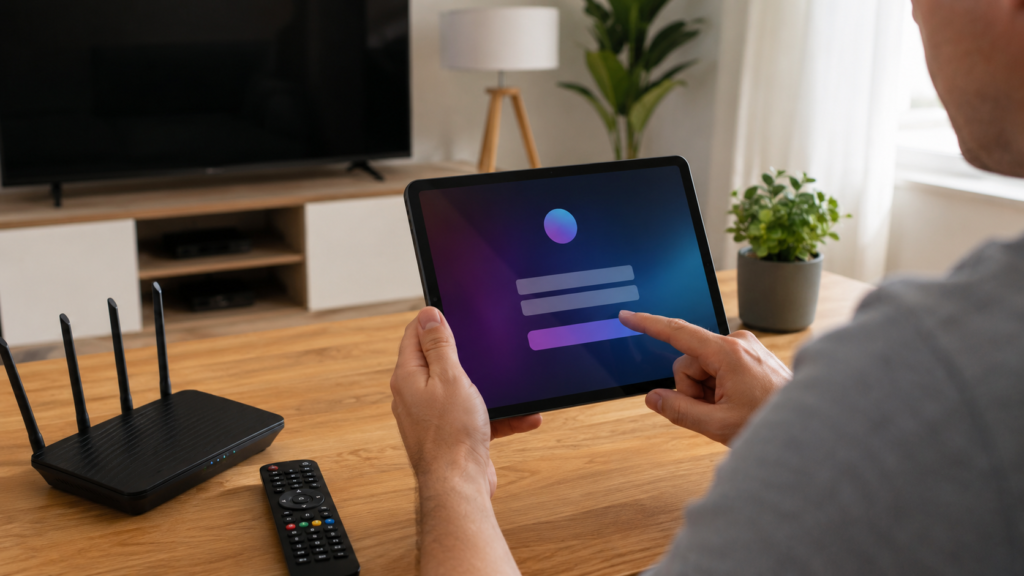
Setting up IPTV on Android is usually simple when the provider gives correct details. The steps below explain the common process.
First, open the Google Play Store or the trusted app source recommended by the provider. Install the IPTV app supported by your IPTV service. After installation, open the app and choose the login option.
Next, enter the details from the provider. This may include a username, password, server URL, portal link, or M3U playlist. After saving the details, wait for the channels to load.
Once the channel list appears, go to the sports section. Check if the channels open properly. Test sound, picture quality, and loading speed. Do this before World Cup 2026 begins, not on match day.
Best Settings For Smooth IPTV Streaming
Good settings can improve IPTV streaming on Android apps. Most users do not need advanced changes, but a few simple checks can help.
Use Wi-Fi when possible, especially for HD streams. Keep the device close to the router. Close unused apps before starting a live match. This gives the IPTV app more memory and better performance.
Users should also lower video quality if the stream keeps buffering. HD is better, but stable playback is more important during live football. A clear standard-quality stream is better than a frozen HD stream.
Helpful settings include:
- Use auto video quality when available
- Turn on hardware decoding if the app supports it
- Clear app cache before big matches
- Restart the app if channels load slowly
- Keep Android software updated
These small steps can make the viewing experience smoother.
How To Test IPTV Before World Cup 2026?
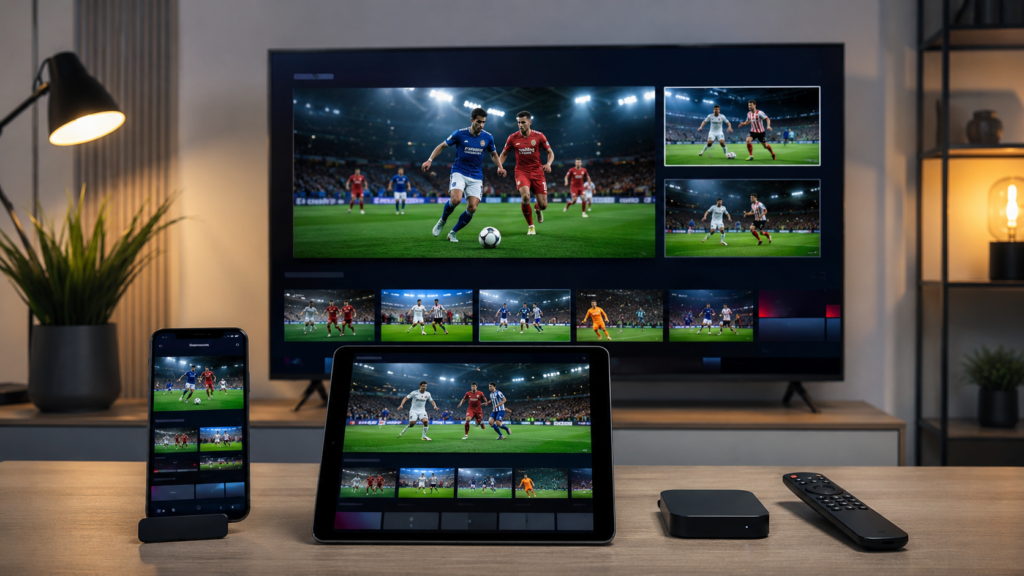
Testing early is very important. Do not wait until the opening match. If there is a problem, there may not be enough time to fix it.
Users should test the app at least a few days before the tournament. Open sports channels during busy evening hours. This gives a better idea of real performance.
A good test should include:
| Test Area | What To Check |
| Login | App opens without errors |
| Channels | Sports channels load properly |
| Picture | Video is clear and stable |
| Sound | Audio matches the video |
| TV Guide | Match listings are easy to find |
| Device | Phone, tablet, or TV works well |
If the app fails during testing, contact the IPTV provider early. A strong provider should help users fix setup problems quickly.
What To Look For In A Reliable IPTV Provider?
The best IPTV provider should make setup easy. It should not leave users confused with unclear links or missing instructions.
A reliable provider should explain which Android apps work best with its service. It should also give correct login details and support if the app does not load channels.
Look for these signs:
- Clear setup guide
- Working support contact
- Stable sports access
- Fair pricing
- Trial or demo option
- Honest service details
- Safe payment method
Users should avoid providers that make unclear claims or promise unlimited premium access without proper details. Safe and legal use should always come first.
Common Android IPTV Problems And Simple Fixes
Even a good setup can have small issues. Most problems are easy to fix if users know where to start.
If the app does not open, update it or reinstall it. If channels do not load, check the login details. If the stream buffers, restart the router or reduce video quality.
For sound issues, close the channel and open it again. For app freezing, clear the cache or restart the Android device. If the same issue continues, contact the IPTV service support team.
Simple fixes often work better than changing too many settings at once.
Safety Tips For Android IPTV Users
Safe use matters. Users should only use legal IPTV services and authorized content. This protects the viewer and helps avoid unsafe apps or unreliable streams.
Do not download unknown APK files from random websites. These files can harm the device or expose private data. Use trusted app stores or sources recommended by the provider.
Also avoid sharing login details. Many IPTV accounts are limited to one or two devices. Sharing details can cause the account to stop working during a match.
Conclusion
Setting up IPTV streaming on Android apps for World Cup 2026 is simple when users prepare early. They need a stable device, good internet, a trusted app, and correct login details from a reliable IPTV provider.The best setup is not always the most complex one. It is the one that works smoothly before match day. Users should test their IPTV subscription, check sports channels, adjust basic settings, and contact support if anything fails. With the right IPTV service, Android apps can make World Cup viewing easier, faster, and more flexible.