
IPTV Encoder Box For World Cup 2026 Streaming: What It Does And Who Needs It
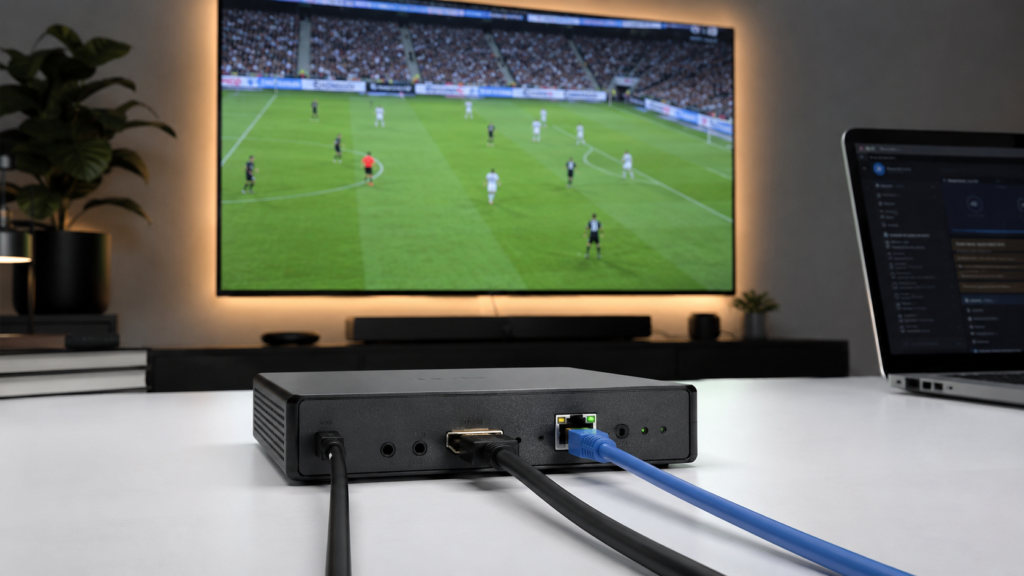
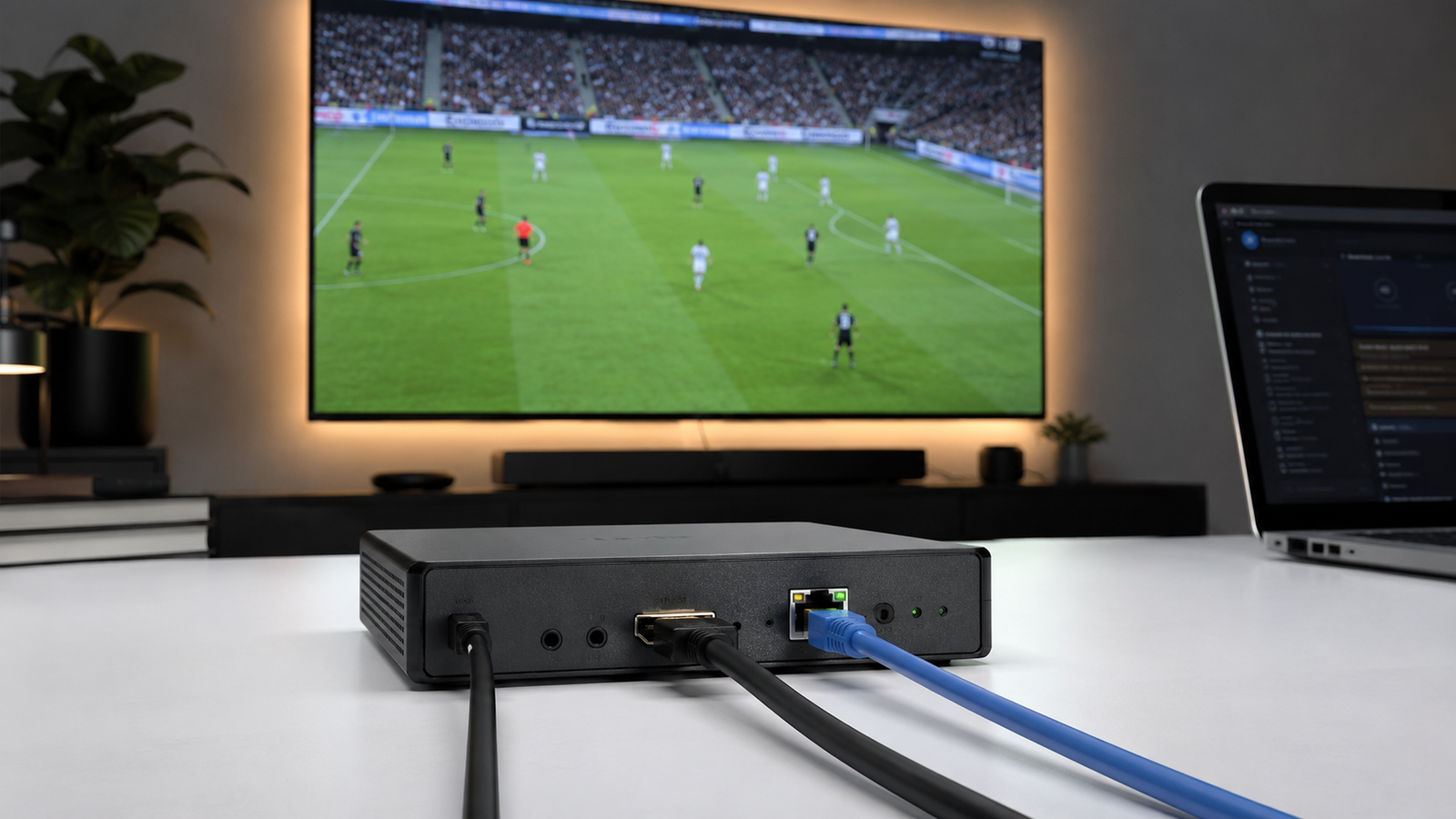
Some football fans only need an app and a working login. Others need a stronger setup, especially if they manage screens in a café, hotel, sports bar, office, or viewing room. This is where an IPTV encoder box can become useful. It helps turn a video signal into a stream that can move through an internet or local network.
For World Cup 2026, many viewers will watch matches across different devices and locations. FIFA says the tournament will include 104 matches across Canada, Mexico, and the United States. That makes planning important for anyone who wants a stable viewing setup, especially in shared spaces.
What Is An IPTV Encoder Box?
An IPTV encoder box is a device that converts video and audio into a digital stream. That stream can then be sent over an IP network. In simple words, it takes a video source and prepares it for IPTV delivery.
It is not the same as a normal IPTV app. It is also not the same as a simple streaming stick. A streaming stick usually receives content. An encoder box helps prepare and send content.
A common setup may include:
- A video source
- An encoder box
- Internet or local network
- IPTV software or platform
- Screens or supported viewing devices
This type of setup is more common for businesses, venues, and technical users than for casual home viewers.
How An IPTV Encoder Box Works?
An encoder box has a simple job, but the process has several steps. It receives a video signal, compresses it, and sends it as a stream.
The goal is to make the stream easier to deliver without losing too much quality. This matters during live football because viewers expect clear video, smooth motion, and steady sound.
Signal Input
The device first receives the video source. This may come from a camera, receiver, media system, or other legal video source.
Some devices use HDMI input. This is why users may see the term hdmi IPTV when comparing hardware. HDMI is common because it carries both video and sound.
Video Encoding
The box then compresses the video. This step helps reduce file size and bandwidth use.
A stronger IPTV hd encoder can support better picture quality. It may also manage HD streams more smoothly than basic hardware.
Stream Output
After encoding, the content is sent over a network. The stream may then be viewed through supported players, IPTV systems, or display screens.
This is what makes it useful for controlled environments where one source needs to reach several screens.
Who Needs An IPTV Encoder Box?
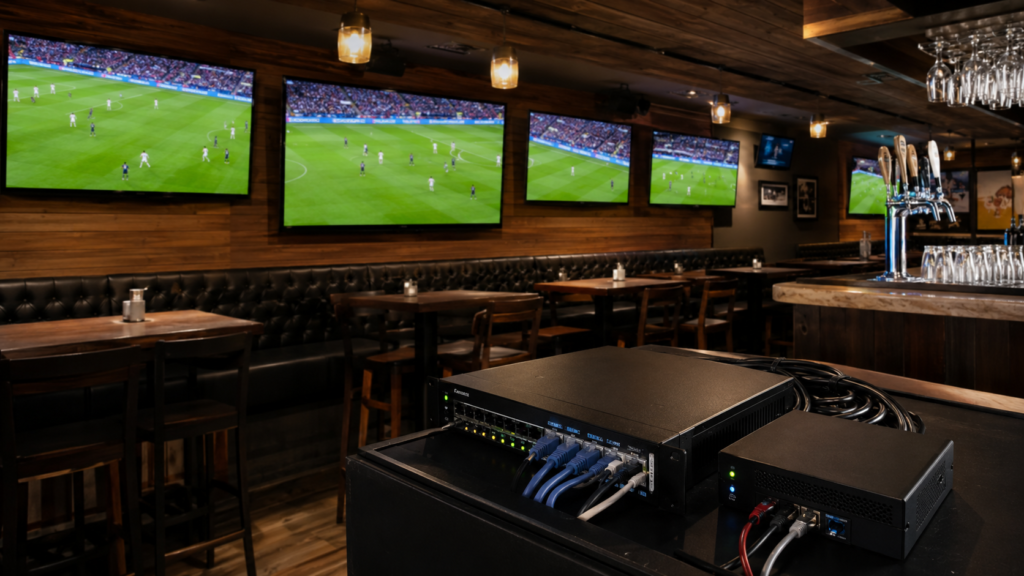
Not every football fan needs an IPTV encoder box. Many users can watch matches through a legal IPTV service using an app, smart TV, Fire Stick, Android device, or browser.
An encoder box is more useful when the viewing setup is larger or more technical.
| User Type | Is An Encoder Box Needed? | Why |
| Home Viewer | Usually No | An app or IPTV player is often enough |
| Sports Bar | Often Yes | Multiple screens may need stable distribution |
| Hotel Or Lounge | Sometimes Yes | Shared viewing areas may need a central source |
| Office Viewing Room | Sometimes Yes | One feed may need to reach one or more screens |
| IPTV Business Setup | Often Yes | Encoding may be part of the delivery system |
For most home users, the better choice is a stable IPTV subscription or legal streaming app. For business users, hardware may matter more.
IPTV Encoder Box Vs IPTV Box
These two names sound similar, but they are different. This causes confusion for many buyers.
An IPTV box usually receives IPTV channels. It works like a viewing device. An IPTV encoder box prepares video for streaming. It works more like a source tool.
The difference is simple:
- IPTV box: receives and plays streams
- IPTV encoder box: converts and sends streams
- Streaming stick: plays apps and services
- Smart TV app: plays content directly on the TV
Before buying, users should check what they really need. A home viewer may not need encoding hardware at all.
Why Encoding Quality Matters For World Cup 2026?
Live football is fast. The ball moves quickly. The camera changes often. Crowds, replays, and close shots all need clean video.
Poor encoding can cause problems like:
- Blurry motion
- Audio delay
- Screen freezing
- Poor picture sharpness
- Stream drops
- Slow loading
A good IPTV hd encoder can help keep the picture cleaner when the setup needs hardware encoding. This is useful for venues that want a better match-day experience.
Still, the encoder is only one part of the setup. Internet speed, network quality, source quality, and the selected IPTV service also matter.
Key Features To Check Before Buying
Buying hardware without checking details can waste money. The right encoder depends on the setup, number of screens, and expected stream quality.
Check these features before choosing:
- HDMI input support
- HD or Full HD support
- Stable bitrate control
- Low-latency streaming
- Audio support
- Heat control for long use
- Easy setup panel
- Strong build quality
- Network output options
- Support for common stream formats
For World Cup 2026 viewing, stability is more important than fancy features. A device that runs smoothly for long matches is better than one with many unused options.
When HDMI IPTV Support Is Useful?
The term hdmi IPTV usually points to setups where HDMI video is used with IPTV hardware. HDMI support can be useful because many video sources and screens already use HDMI.
This makes setup easier in places like cafés, lounges, small halls, or sports viewing rooms.
HDMI can help with:
- Clear video input
- Sound and picture through one cable
- Easy connection with many devices
- Better viewing on large screens
Users should still check legal access rights before streaming any sports content in a public or business space. Some services have different rules for home and commercial use.
IPTV Streaming Setup For Shared Viewing
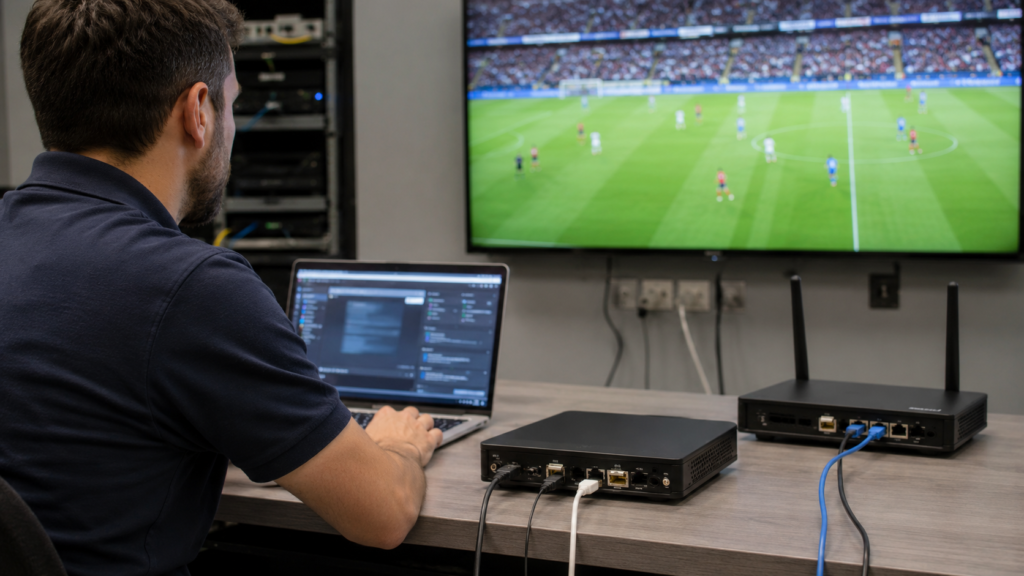
A shared viewing setup needs more care than a single home screen. One weak part can affect the full experience.
A strong IPTV streaming setup should include:
- Reliable internet
- Clean cable connections
- Good router or network switch
- Stable power supply
- Tested IPTV app or system
- Legal access to sports channels
- Backup viewing option where possible
Testing before match day is important. A setup may look fine during normal use but struggle during a major live event.
Do Home Users Need An IPTV Encoder Box?
Most home users do not need one. If someone only wants to watch football on a TV, phone, tablet, Android app, or Fire Stick, an encoder box may be unnecessary.
A normal viewer should focus on:
- Choosing a reliable IPTV service
- Testing the app before match day
- Checking internet speed
- Using a supported device
- Keeping login details ready
- Following the correct match schedule
An IPTV encoder box is better for users who need to create, manage, or distribute a video stream. It is not usually the first choice for simple watching.
Common Buying Mistakes
Many people buy the wrong device because the names sound similar. They may search for IPTV hardware and end up with a product that does not match their needs.
Avoid these mistakes:
- Buying an encoder when you only need a player
- Ignoring HDMI input needs
- Choosing cheap hardware with poor cooling
- Not checking HD support
- Forgetting about internet speed
- Using unclear or unsafe services
- Not testing the setup before a live match
The best setup is the one that matches the real use case.
Conclusion
An IPTV encoder box can be useful for World Cup 2026 streaming, but it is not for everyone. It is best for users who need to convert and send a video stream across a network. This can help sports bars, hotels, offices, lounges, and technical IPTV setups.For home users, a legal IPTV service, strong internet, and a supported app may be enough. For larger viewing setups, an IPTV hd encoder, hdmi IPTV support, and stable IPTV streaming tools can make the experience smoother. The smart choice is to understand the setup first, then choose the device that fits the job.